Quick Answer
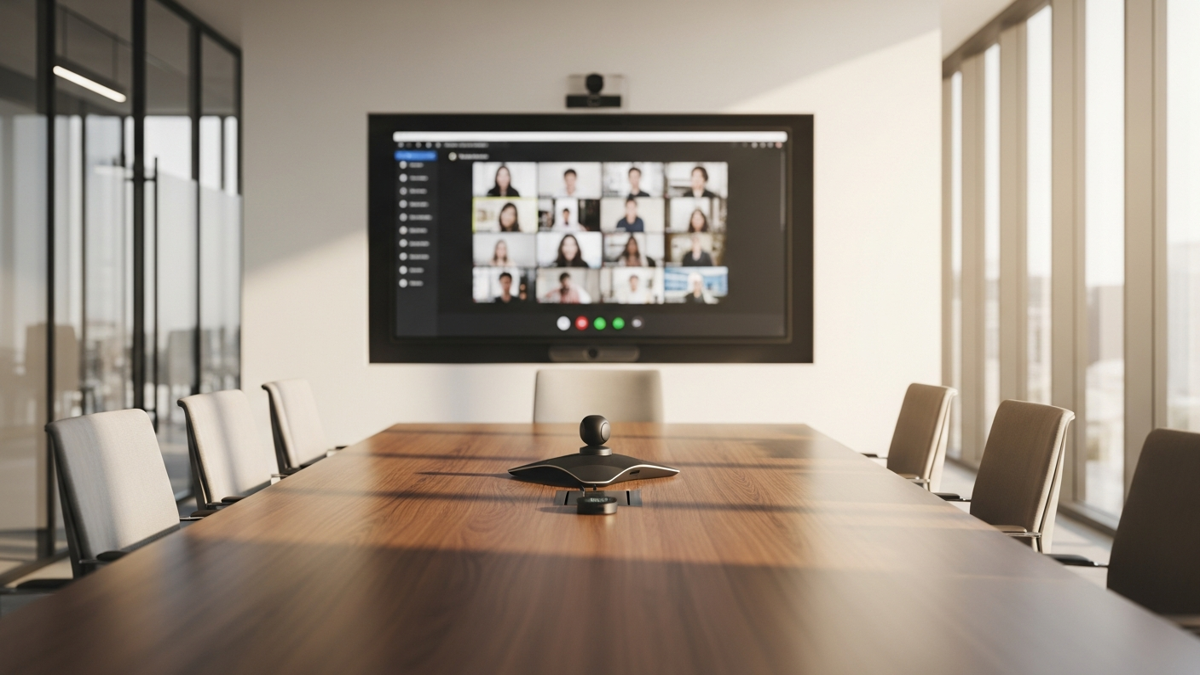
A Zoom video conferencing system is the hardware that runs Zoom Rooms meetings — at its core a camera, microphone, and speaker, plus a display and often a touch controller. Zoom Certified devices from manufacturers like Poly and Yealink must meet strict performance and compatibility standards for their device type, and Zoom Rooms kits bundle everything you need for a given room size.
Over the last two years, Zoom has become one of the most important services in the business communications ecosystem — “Zoom” is now a synonym for video conferencing. Zoom Rooms is their platform for professional video conferencing with audio conferencing and content sharing included.
As more people use it, the demand for Zoom Rooms compatible video conferencing hardware is increasing — and people want to know before they buy that their devices are going to work with Zoom. That’s why it’s best to shop for Zoom Certified equipment from reliable manufacturers like Poly and Yealink.
What Does "Zoom Certified" Mean?
Strict standards per device type: to attain certification, a device needs to meet strict standards for performance and compatibility according to what type of device it is — camera, speakerphone, touch controller, and so on.
We offer Zoom Rooms Certified video conferencing equipment from manufacturers like Poly and Yealink.
What Devices Make Up a Zoom Rooms System?
The core devices of a Zoom video conferencing system are the camera, microphone, and speaker. Usually the microphone and speaker are part of the same thing: a conference phone, speakerphone, or similar.
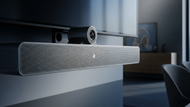
All three can be one device. A video conferencing bar like the Yealink MeetingBar A20 for Zoom Rooms combines them all — it has a Qualcomm Snapdragon 845 to power advanced features like automatic group framing and speaker tracking, and its 20MP camera sensor means exceptional detail.
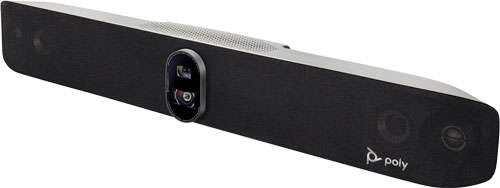
Touch controllers are dedicated tablets that act as the operating center for your conference calls: adjust the camera, add participants, schedule meetings, and so on. For example, Poly Studio X70 is a dual-camera video conferencing bar that can come packaged with a TC8 touch controller — the TC8 has an 8” touchscreen display and integrated stand for convenient placement on the conference table, and Studio X70 also supports dual displays.
Displays are one of the key components of a video conferencing system. There aren’t, to the best of our knowledge, Zoom Certified displays yet, so all you need to worry about is getting one (or two) of the right size with the right connectors, i.e., HDMI.
Should You Buy a Zoom Rooms Kit?
What do you do if you’re starting from nothing? Our advice is to look into a Zoom Rooms video conferencing kit: Yealink and Poly build Zoom Rooms bundles that include all the devices you need for specific room sizes.
Example: the Yealink ZVC640 Zoom Rooms Kit has the Zoom Edition of the CP960 conference phone, plus a UVC84 camera and an MCore mini-PC with the Zoom Rooms app preinstalled. The conference phone offers exceptional audio with 360° voice pickup out to 20’, and the UVC84 is a PTZ camera with 4K Ultra HD resolution and 12x optical zoom — together perfect for a medium to large conference room.
Room size means people, not square footage. Here’s a rough breakdown:
- Huddle room: 1 to 5 people
- Small room: 6 to 8 people
- Medium room: 9 to 13 people
- Large room: more than 14 people
Decision shortcut: figure out how many people are going to be on the video calls. If you’re starting from scratch, buy a Zoom Rooms kit for that room size; if you already have some equipment, look at the kits and buy the devices you’re missing.
Frequently Asked Questions
What does Zoom Certified mean?
A certified device has met strict standards for performance and compatibility according to its device type — camera, speakerphone, touch controller, and so on.
Are there Zoom Certified displays?
Not to the best of our knowledge. Just pick a display (or two) of the right size with the right connectors, i.e., HDMI.
What is a touch controller?
A dedicated tablet that acts as the operating center for your conference calls — adjust the camera, add participants, schedule meetings, and more.
Can one device replace a separate camera, mic, and speaker?
Yes — a video conferencing bar like the Yealink MeetingBar A20 combines all three in a single device.
Updated July 2026