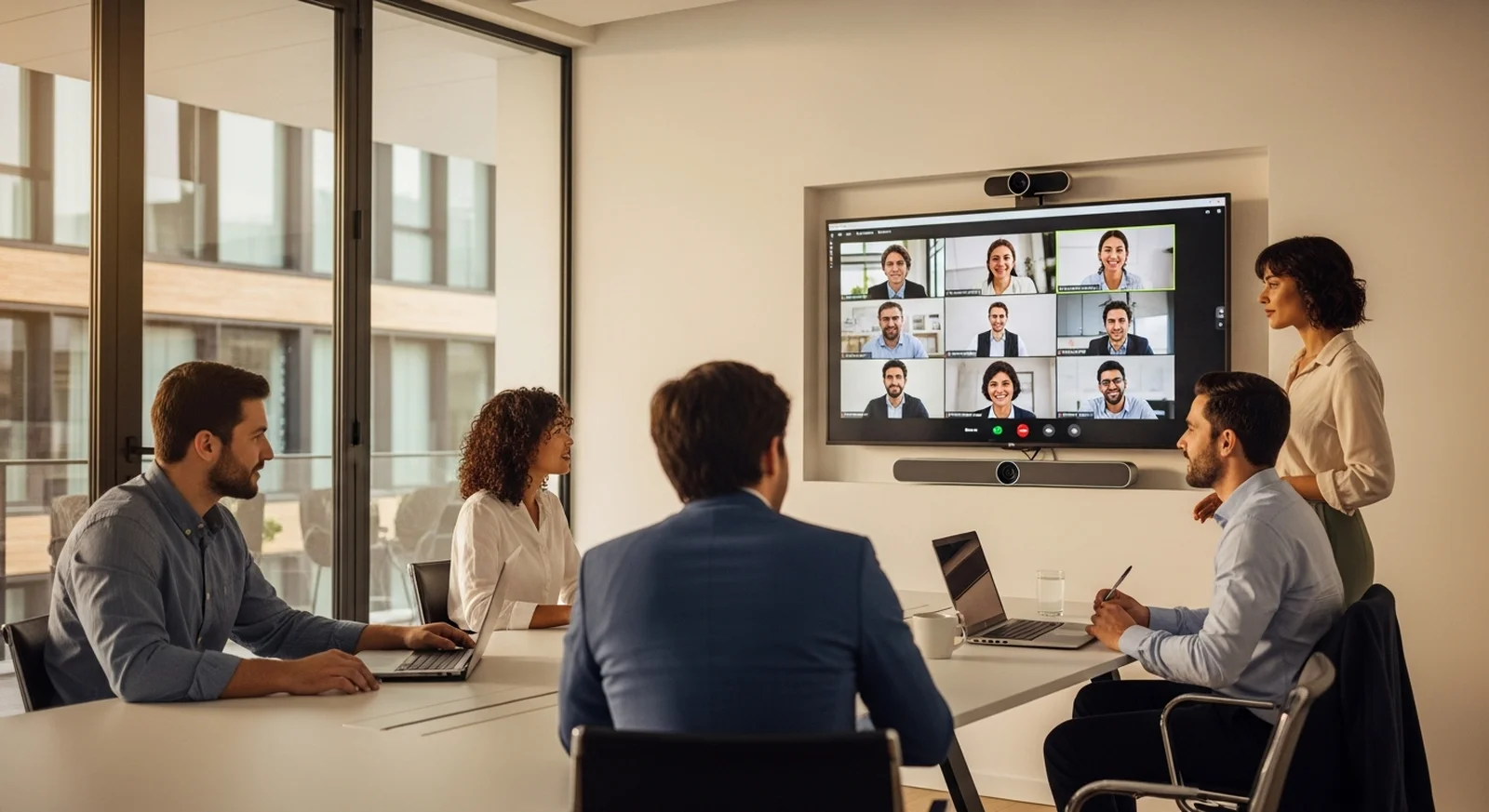

Meeting rooms that just work — from the original video conferencing store.
Video Conferencing Supply has specialized in one thing since 2007: equipping real meeting rooms. Poly, Yealink, Logitech, Cisco, and Neat room systems for Microsoft Teams and Zoom — matched to your room size by specialists who do this every day.
- Factory-new gear
- Senior specialists
- Same-day ship by 3 pm CT
- Since 2007
Shop the meeting room, end to end
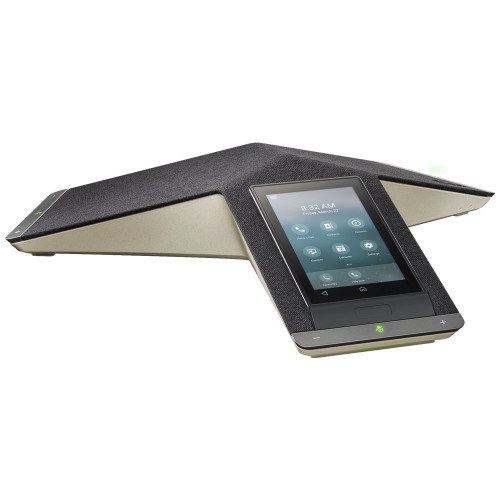
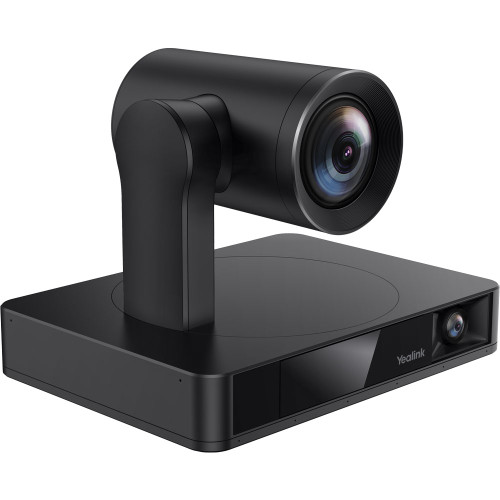
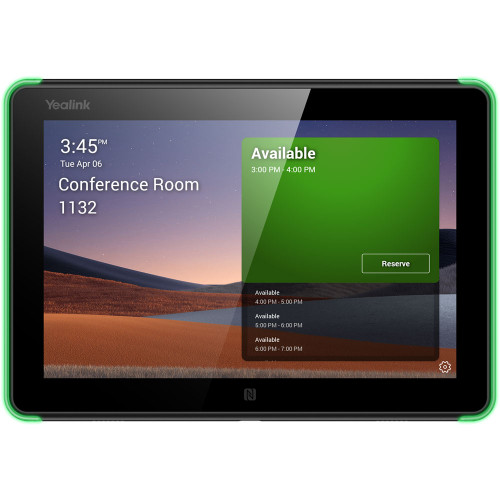
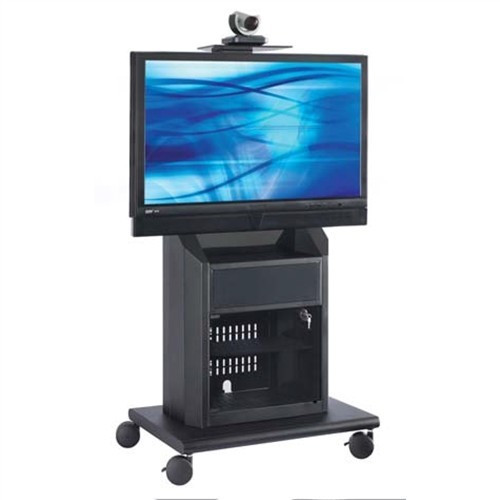
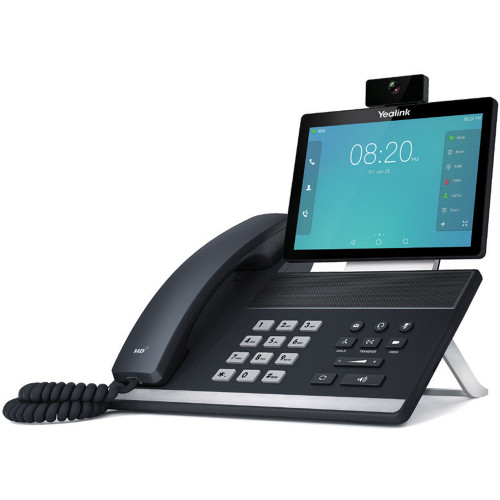
Everything the room needs — the room system itself, the audio that makes it usable, the camera that frames the table, and the cart, mount, and touch panel that finish the install.
Built for the platform your team already runs
Teams room and Zoom room hardware behave differently — native-mode devices, controller pairings, and BYOD setups are not interchangeable. Shop the platform category, or ask us to confirm compatibility for free.
Senior specialists
Real people who equip meeting rooms daily
Factory-new gear
Direct-sourced, full manufacturer warranty
Same-day shipping
In-stock orders by 3 pm CT, Mon–Fri
The original — since 2007
The first specialty video conferencing store online
Featured video conferencing products
The video bars, room kits, and microphones our specialists spec most often — factory-new from Poly, Yealink, and HP. Swipe or use the arrows to browse.
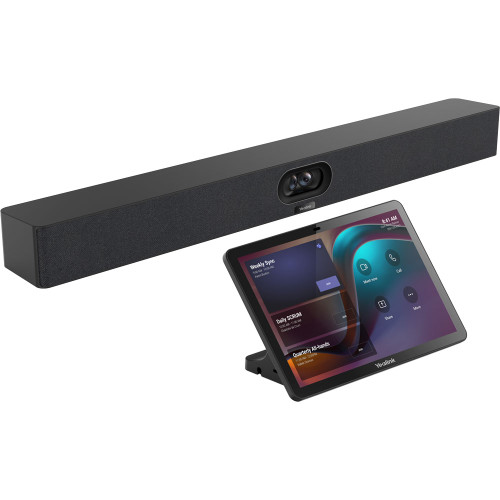
Yealink MeetingBar A40 Video Bar + CTP25 Touch Display Bundle
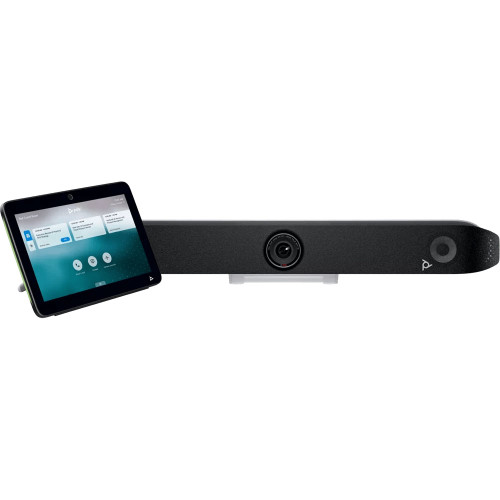
Poly Studio X52 Video Bar & TC10 Touch Control Panel Bundle
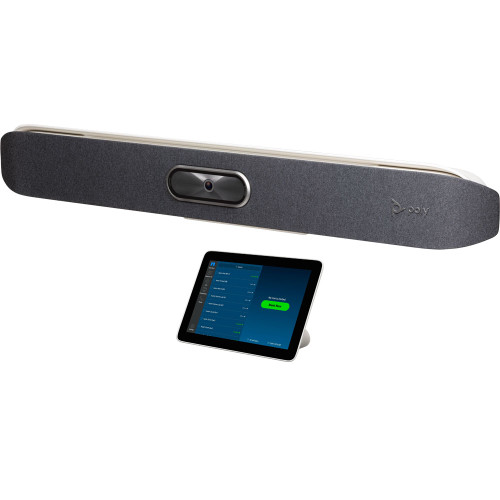
Poly Studio X50 Zoom Rooms Video Bar with TC8 Touch Control
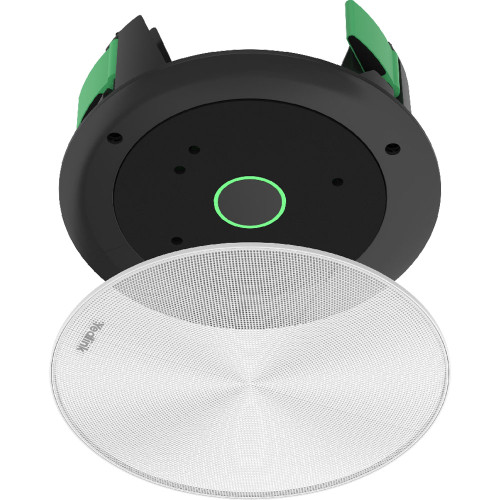
Yealink CM20 SkySound Beamforming Ceiling Microphone Array
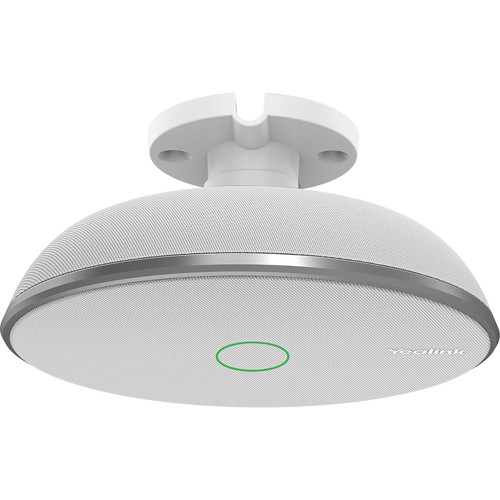
Yealink VCM38 Ceiling Microphone
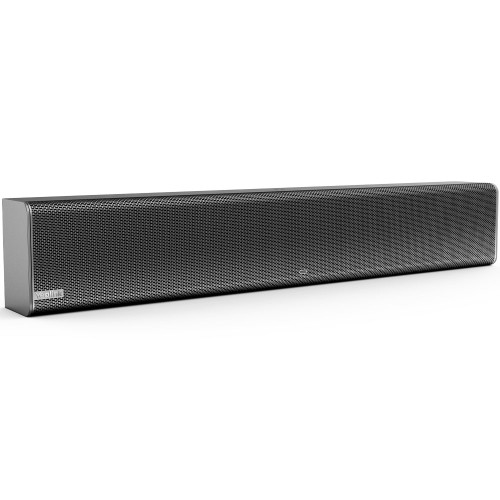
Yealink MSpeaker II Video Conferencing Sound Bar
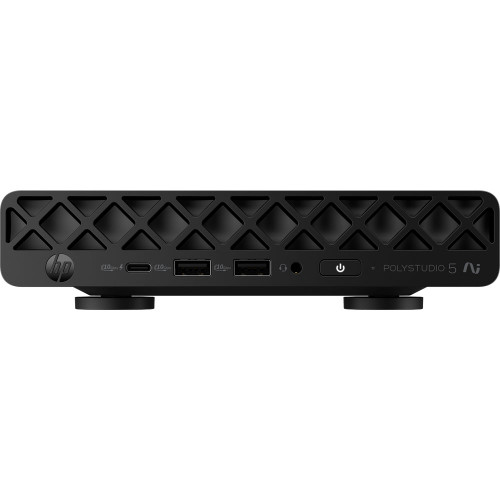
HP Poly Studio 5 Room Compute with Microsoft Teams Rooms
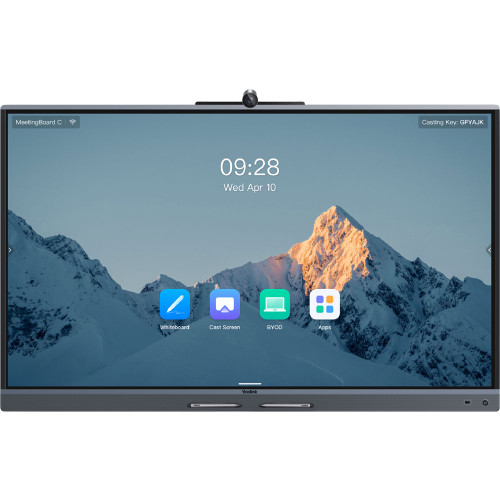
Yealink MeetingBoard 65C EDLA Interactive Display
Video conferencing brands we carry
Every product we sell is sourced factory-direct through national US distribution. Factory-new stock, full manufacturer warranty, and no gray-market imports — ever.








How to size a video conferencing system that actually works
Most bad meeting rooms aren't caused by bad hardware — they're caused by the right hardware in the wrong room. Camera field of view, microphone pickup radius, and display size all have physical limits, and when a room outgrows them the far end hears echo, sees the ceiling, and misses half the table. Here's how we've matched systems to rooms since 2007.
1. Start with the room, not the product
Count the seats and measure the table. A huddle room (2–4 people) is fully served by an all-in-one video bar — camera, mics, and speakers in one unit. A small room (4–6) adds a touch controller so meetings start in one tap. By medium rooms (6–12) you need wider optics and expansion microphones to reach the far chairs, and large rooms and boardrooms (12+) call for modular systems with ceiling microphone arrays and dedicated room compute.
2. Pick your platform before your hardware
A room that runs Microsoft Teams natively behaves differently from one running Zoom Rooms — and both differ from a BYOD room where laptops drive the call over USB. Native-mode devices give you one-tap join, calendar integration, and centralized management; BYOD gives you flexibility across platforms. If your fleet is mixed, ask us about interop and companion-mode setups before you standardize.
3. Audio is the half you'll notice most
Remote participants forgive a mediocre picture long before they forgive bad audio. Keep microphone-to-talker distance inside the pickup spec — that's why bigger rooms move from the video bar's built-in mics to tabletop and ceiling microphones, and why boardrooms use beamforming arrays that track the active talker. A dedicated speaker or sound bar matters in rooms deeper than about 20 feet.
4. Finish the install properly
The difference between a demo and a deployment is the finishing hardware: a scheduling panel outside the door, a proper display mount or AV cart, clean cabling, and spare power supplies in the drawer. It's also the part most orders forget — our specialists check it on every quote.
5. Ask before you commit
Send us your room dimensions, seat count, and platform — a senior specialist will confirm the fit or flag the problem before anything ships. Free, and it's been our favorite part of the job since 2007.
Shop by room sizeLatest from our specialists
Practical answers to the questions we get every week — platform interop, camera optics, and room setups, written by the people who spec this gear daily.

Yealink MeetingBar A10 vs A25 vs A40: Which Video Bar Fits Your Room?
Quick Answer Best for home offices and basic huddle rooms: MeetingBar A10 — 4K, 120° lens, lowest c
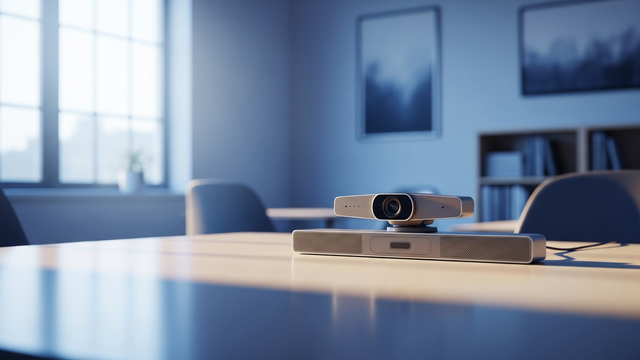
What Is BYOD Video Conferencing? When a USB Video Bar Beats a Room System
Quick Answer BYOD (bring your own device) video conferencing means the meeting runs on someone's la
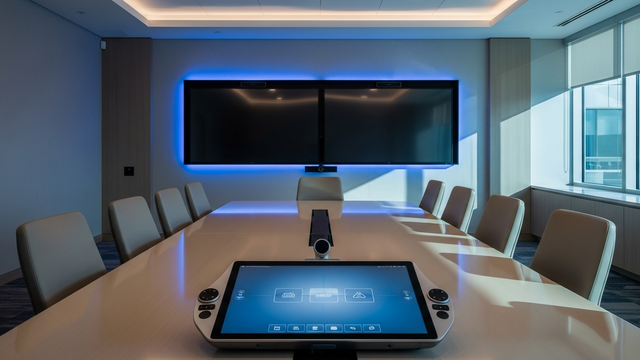
Microsoft Teams Rooms on Android vs Windows: Which Should You Buy?
Quick Answer Microsoft Teams Rooms runs on two device platforms. Android systems are all-in-one vid
Common questions
How do I choose a video conferencing system by room size?
Match the system to the room: an all-in-one video bar covers huddle rooms (2-4 people); small rooms (4-6) add a touch controller; medium rooms (6-12) need a wider-FOV camera and expansion microphones; large rooms and boardrooms (12+) call for a modular system with ceiling microphones and a dedicated compute unit. Our catalog is organized by these exact room sizes.
Do these systems work with Microsoft Teams and Zoom?
We organize hardware by platform — dedicated Microsoft Teams Rooms and Zoom Rooms categories — and our specialists confirm platform compatibility for your deployment free of charge before you order.
Do you ship the same day?
In-stock products ordered by 3:00 PM Central Time, Monday through Friday, ship the same business day.
Where does your inventory come from?
Every product is sourced factory-direct through national US distribution and ships factory-new with the full manufacturer warranty. No gray-market products, no parallel imports.
Can you help me pick a system before I buy?
Yes. Free pre-sales support from a senior specialist covers room-fit guidance, platform compatibility, and quote building. Video Conferencing Supply has specialized in video conferencing since 2007.