Quick Answer
BYOD (bring your own device) video conferencing means the meeting runs on someone's laptop, and the room's camera, microphones, and speaker connect to that laptop as a USB peripheral. It works with virtually any meeting platform, costs less than a dedicated room system, and needs no room computer to manage — the trade-off is that someone must bring a laptop and plug in a cable.
Every conference room decision eventually lands on the same fork: does the room run the meeting, or does a laptop? This explainer covers how BYOD rooms work, when they are the right call, and the USB bars in the video conferencing catalog that do it well. For room-by-room picks, see the huddle room guide.
How a BYOD Room Actually Works
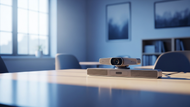
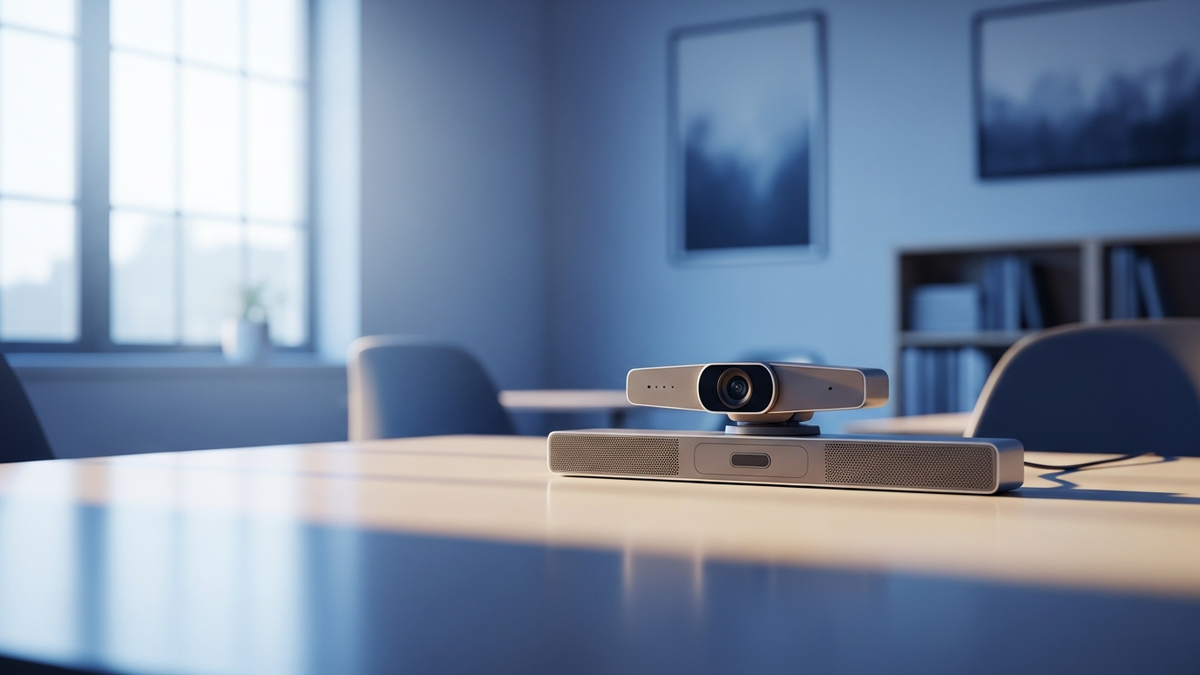
The room provides optics and audio; the laptop provides everything else. A USB video bar mounts at the display and integrates a wide-angle camera, a microphone array, and a speaker. One USB cable runs to the table.
The meeting app never knows the difference. To Teams, Zoom, Webex, or Google Meet, the bar is just a very good webcam and speakerphone. Whatever runs on the laptop runs in the room — which is why BYOD is the escape hatch for multi-platform offices.
There is nothing to enroll or manage in the room. No room OS, no room calendar account, no app updates on a wall device. That cuts both ways, as we'll see.
When BYOD Beats a Dedicated Room System
Multi-platform reality. If Monday is Teams, Tuesday is a customer's Zoom, and Thursday is a vendor's Webex, a USB bar handles all of it with zero reconfiguration.
Guest-heavy and shared spaces. Training rooms, rented offices, and customer-facing rooms host meetings owned by outsiders. Their laptop, their account, your room hardware.
Budget per room. A USB bar is a fraction of the cost of an appliance bundle with touch console and room compute. Outfitting ten overflow rooms is where that multiplier bites.
When BYOD loses: rooms with a strong recurring-meeting culture. Walk-up one-touch join, a room calendar people can book, and a always-ready console are appliance features. If people show up expecting the room to just have the meeting waiting, buy an appliance system instead.
USB Bars That Do BYOD Well
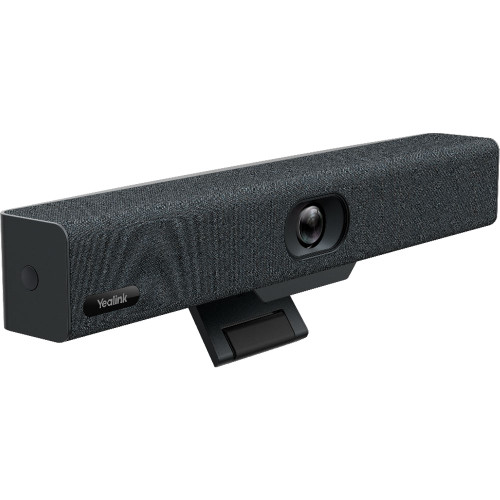
Yealink UVC34 is the entry point.
Camera: 4K, 120° field of view, 5x digital zoom · Audio: 8 microphones, Noise Proof technology, 5W speaker · Power: over USB
The UVC34 is the purest expression of BYOD: one USB cable carries video, audio, and power, with no drivers or extra software. Auto framing and AI face enhancement keep the shot presentable, and the electric lens cap opens and closes with your meetings. It works with Microsoft Teams, Cisco Webex, Google Meet, BlueJeans, and more.
Poly Studio V12 steps up the optics and noise handling for small rooms.
Camera: 20 MP sensor, 4K UHD, 132° field of view · Framing: Poly DirectorAI (group, people, speaker, presenter) · Noise: NoiseBlockAI + Acoustic Fence
Acoustic Fence draws an audio boundary around the room so hallway chatter stays out of the call — the feature people notice most in open-plan offices. It's Microsoft Teams and Zoom certified and works with Google Meet. Note from the spec sheet: power is PoE++ or an AC adapter, and neither is in the box.
Poly Studio V52 takes BYOD into medium rooms.
Camera: 20 MP, up to 4K UHD · Audio: quad-microphone array with 20-foot reach, stereo speakers · Extras: privacy cover, monitor clamp in the box
Most USB bars are huddle-room devices; the V52's 20-foot microphone reach is what qualifies it for a real mid-size table. Same DirectorAI framing and NoiseBlockAI/Acoustic Fence stack as the V12, in a bar that plugs into whatever the meeting owner brings.
The One-Cable Checklist
Know what carries the signal. BYOD lives or dies on the cable at the table. The UVC34 runs video, audio, and its own power over a single USB connection; the Studio V52 ships a USB-C to USB-C cable and also carries USB-A ports for older laptops.
Know what powers the bar. USB-powered bars like the UVC34 need nothing else. The V12 expects PoE++ or an AC adapter (not included); the V52 includes its AC power adapter in the box along with an HDMI cable, Ethernet cable, monitor clamp, and privacy cover.
Leave the cable where guests will find it. The whole BYOD promise is a visitor sitting down and plugging in. A labeled USB-C cable clipped to the table — plus a short USB-C to USB-A adapter for the occasional older laptop — removes the last point of friction.
Test with your worst laptop, not your best. A 4K bar streaming through an underpowered machine is still limited by the machine. If the room's regulars carry lightweight hardware, that argues for the appliance-with-BYOD hybrid route below rather than pure USB.
Hybrid Devices: Appliance Now, BYOD When Needed
You don't always have to choose. Several appliance bars keep a BYOD mode in their pocket for the day a guest needs a platform the room doesn't run.
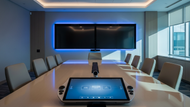
Logitech Rally Bar Huddle is the cleanest example: it runs Teams, Zoom, or Google Meet on the bar itself in Appliance mode, and switches to BYOD mode to act as a USB peripheral for virtually any platform. Same hardware, both philosophies.
Shop the Logitech Rally Bar Huddle →
Yealink MeetingBar A40 with CTP25 does the same trick in a native Teams/Zoom room: BYOD Mode turns the bar into a USB device, and the CTP25 console's USB-C connection to a laptop carries 4K content sharing and PD charging. Even Yealink's extra-large MVC S90 Windows bundle ships a BYOD-Extender adapter — a signal of how standard the guest-laptop scenario has become at every room size.
Every Pick, Side by Side
| Product | BYOD Role | Room Size | Best For |
|---|---|---|---|
| Yealink UVC34 | Pure USB bar, USB-powered | Huddle / small | Lowest-friction BYOD |
| Poly Studio V12 | Pure USB bar | Small | Noisy open offices |
| Poly Studio V52 | Pure USB bar | Medium | BYOD at a mid-size table |
| Rally Bar Huddle | Appliance with BYOD mode | Huddle / small | Undecided rooms |
| Yealink A40 + CTP25 | Appliance with BYOD mode | Small / medium | Teams/Zoom room with guest escape hatch |
Decision shortcut: Meetings owned by many platforms or many guests → pure USB (UVC34 small, V52 medium). Meetings owned by your org on one platform → appliance, but pick one with a BYOD mode anyway.
FAQ
Does BYOD work with every meeting platform?
Effectively yes — the bar presents itself as a standard USB camera and audio device, so anything that runs on the laptop can use it. That is the core of the pitch.
Is the video quality worse than an appliance system?
The optics are the same class of hardware — the V52 carries the same 20 MP/4K spec tier as appliance bars. What differs is the join experience, not the picture.
What does the room lose without an appliance?
One-touch join, a bookable room identity in the calendar system, and centralized device management. If those matter, see the appliance side of the huddle room guide.
Can I convert a BYOD room to an appliance room later?
With a hybrid device like the Rally Bar Huddle, yes — it's a mode change. With a pure USB bar you'd add or swap hardware, which is why hybrids are worth the premium when plans are fluid.
Updated August 2026