Quick Answer
For a 2-4 person huddle room, pick one of two paths. If the room should join meetings on its own with a touch panel on the table, get an all-in-one bar like the Yealink MeetingBar A10-020 (certified for Microsoft Teams and Zoom Rooms). If people will run meetings from their laptops, a plug-and-play USB bar like the Yealink UVC34 covers the room for a fraction of the cost.
Huddle rooms are the easiest video rooms to outfit and the easiest to overbuy. This guide walks through the one decision that matters, then the specific hardware for each path. For the full range of options, browse the Huddle Room Video Conferencing Systems catalog, and see our 2026 video bar roundup for the wider landscape.
What Counts as a Huddle Room?
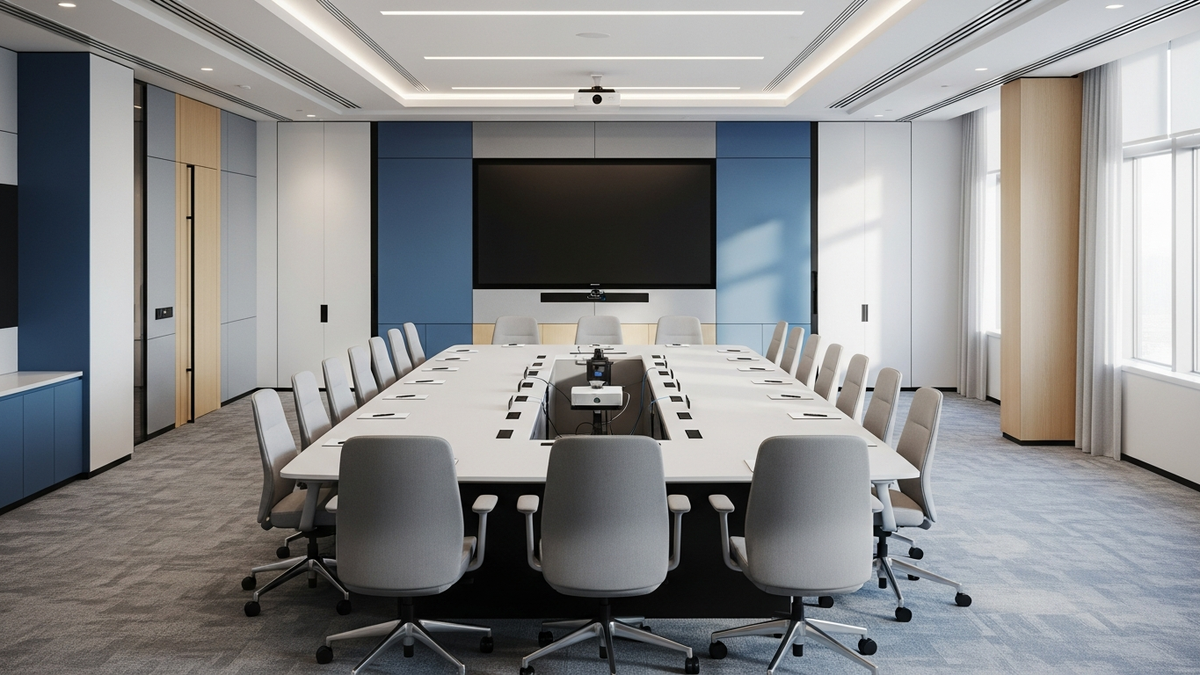
2-4 people, one display, everyone within about 10 feet of the screen. That geometry does the hard work for you: a fixed wide-angle camera in the 120° range sees the whole table, and a built-in microphone array reaches every seat.
That is why every device in this guide is a video bar — camera, microphones, and speaker in one enclosure that sits above or below the display. No separate camera, no ceiling mics, no rack.
The One Decision: Appliance Bar or USB Bar?
An appliance (all-in-one) bar runs the meeting itself. The video conferencing app runs on the bar's own computing unit, the room gets its own calendar, and a touch console on the table starts the meeting with one tap. Nobody has to bring a laptop.
A USB bar borrows a laptop's brain. The bar is a peripheral: whoever runs the meeting plugs in one cable, and their laptop's Teams, Zoom, Webex, or Meet client uses the bar's camera and audio. This is BYOD (bring your own device) conferencing.
Rule of thumb: rooms with a recurring meeting culture and a room calendar want an appliance. Overflow rooms, guest-heavy rooms, and multi-platform offices are usually better served by USB.
All-in-One Picks for Huddle Rooms
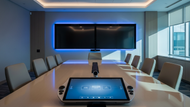
Yealink MeetingBar A10-020 pairs the A10 video bar with a CTP18 touch console.
Certified: Microsoft Teams, Zoom Rooms · Camera: 4K UHD, 120° field of view · Audio: 8-microphone array
The A10 was built for exactly this room: home offices, focus rooms, and huddle spaces. Auto Framing and Speaker Tracking keep the shot natural, an electric privacy shutter covers the lens between calls, and the integrated TV clamp makes installation a five-minute job. The CTP18 gives the table a familiar touch interface, and the bar also works as a USB peripheral in BYOD Mode when a guest needs a different platform.
Shop the Yealink MeetingBar A10-020 →
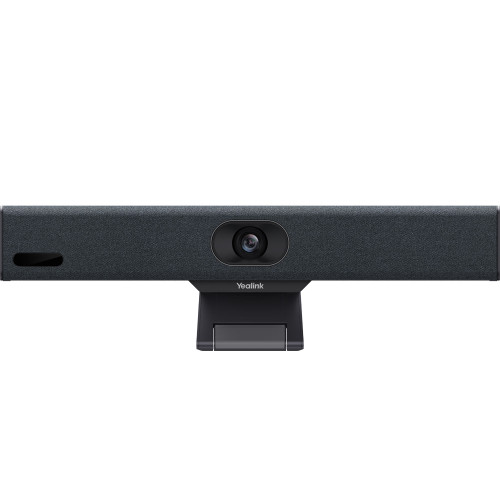
Yealink MeetingBar A25 with CTP25 is the step-up option.
Certified: Microsoft Teams Rooms, Zoom Rooms · Camera: triple-eye — one 151° ultra-wide plus two telephoto lenses · Audio: 8 microphones with 16-foot reach, 10W speaker
The A25's two telephoto cameras pick out individual faces with real detail, which matters once you care how the far end sees you. It supports up to 4K video and 4K content, ships with the larger 10.1″ CTP25 touch display, and adds General Mode and BYOD Mode on top of native Teams and Zoom — so it stays useful even if your platform changes.
Shop the Yealink MeetingBar A25 bundle →
Logitech Rally Bar Huddle is the flexible third path.
Modes: Appliance, BYOD, or PC mode · Platforms: Microsoft Teams, Zoom, Google Meet · Audio: 6-microphone array with noise suppression
Rally Bar Huddle can run the meeting app on the bar itself in Appliance mode, or act as a USB peripheral in BYOD mode — you can change your mind after you buy. AI video intelligence handles framing, a motorized privacy shutter covers the lens, and the included Multi-Mount installs on a wall, a table, or above a display.
Shop the Logitech Rally Bar Huddle →
USB / BYOD Picks for Huddle Rooms
Yealink UVC34 is the budget-friendly workhorse.
Camera: 4K, 120° field of view, 5x digital zoom · Audio: 8 microphones with Noise Proof technology, 5W speaker · Power: USB — one cable
The UVC34 is genuinely plug-and-play: no drivers, no power brick, just USB into whatever laptop is running the meeting. It works with Microsoft Teams, Cisco Webex, Google Meet, BlueJeans, and more, and an electric lens cap opens and closes automatically with your meetings. For a huddle room that mostly hosts laptop-driven calls, this is all the hardware you need.
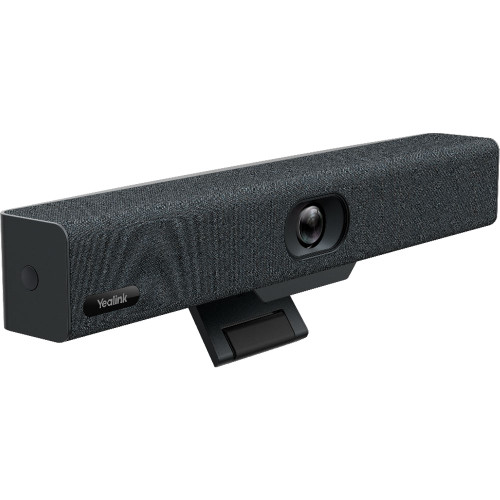
Poly Studio V12 is the premium USB option.
Certified: Microsoft Teams, Zoom (works with Google Meet) · Camera: 20 MP sensor, 4K UHD, 132° field of view · Audio: Poly NoiseBlockAI and Acoustic Fence
Studio V12 brings Poly DirectorAI framing — group framing, people framing, speaker framing, and presenter tracking — to a compact bar, and its noise-filtering tech is the difference-maker next to open offices. One planning note straight from the spec sheet: it ships without a power supply and needs a PoE++ switch/injector or AC adapter, so budget that cable drop.
Every Pick, Side by Side
| Product | Type | Platforms | Best For |
|---|---|---|---|
| Yealink A10-020 | Appliance bar + touch console | Teams, Zoom Rooms, BYOD | Walk-up-and-tap huddle rooms |
| Yealink A25 + CTP25 | Appliance bar + touch console | Teams, Zoom Rooms, General, BYOD | Best camera detail in this class |
| Logitech Rally Bar Huddle | Appliance or USB (switchable) | Teams, Zoom, Google Meet | Rooms that may change modes |
| Yealink UVC34 | USB bar | Any laptop app (BYOD) | Budget BYOD rooms |
| Poly Studio V12 | USB bar | Teams, Zoom certified; Meet | Premium BYOD, noisy offices |
Decision shortcut: If the room has its own calendar, get the A10-020 (or the A25 if video quality is the priority). If laptops run the meetings, get the UVC34. If you honestly don't know yet, the Rally Bar Huddle does both.
Getting the Install Details Right
Mounting is usually the included clamp. The Yealink A10 ships with an integrated TV clamp, and the Rally Bar Huddle's Multi-Mount covers wall, table, or above-display placement. The V12 and V52 include monitor clamps as well, so a huddle install rarely needs extra brackets.
Check the power story before ordering. The UVC34 draws power over its USB cable — genuinely one cable to the table. The A10 accepts PoE or an external power adapter, which is worth knowing if the display wall has network but no outlet. The Studio V12 needs a PoE++ injector or AC adapter, and neither ships in the box.
Privacy hardware is standard here. The A10 and UVC34 use electric shutters or lens caps that close automatically outside meetings, and the Rally Bar Huddle has a motorized privacy shutter. For rooms visible from a corridor, that's a feature worth showing off to the security team.
Wireless is a bonus, not the backbone. The Yealink bars support Wi-Fi and Bluetooth for device connectivity, but plan the display (HDMI) and network runs as wired — the wireless options are for convenience features, not the meeting itself.
FAQ
Do I need a separate microphone or speaker in a huddle room?
No. Every bar here integrates a multi-microphone array and speaker sized for this room. Expansion audio becomes a topic in medium rooms, not at a four-person table.
Can an all-in-one bar still work with a laptop?
Usually yes. The Yealink A10 and A25 both offer a BYOD Mode that turns the bar into a USB peripheral, and the Rally Bar Huddle has a dedicated BYOD mode. Check the mode list on the product page for the platform mix you need.
Is 4K worth it in a room this small?
The resolution matters less than what it enables: auto-framing and digital zoom crop into the sensor, so a 4K or 20 MP source keeps the cropped image sharp. That is why even huddle bars like the UVC34 carry 4K sensors.
Where does the bar physically go?
Directly above or below the display, as close to eye-line as possible. Most bars here include a TV clamp or multi-mount; see the room's display size and mounting surface before ordering.
What about a room that sometimes hosts 6-8 people?
That's the top of this hardware's range — the A25's 16-foot mic reach and the V52's 20-foot reach handle it, but if it's the norm rather than the exception, start from the small room systems catalog instead.
Updated July 2026