Quick Answer
Yes — with the 3.1.1 software release, Poly Studio X30 and Studio X50 video bars are certified for Microsoft Teams Rooms. Register a Studio X with Poly Zero Touch Onboarding and you can place and connect to Teams Rooms calls as soon as it powers on, and you can update the devices from the Microsoft Teams admin center.
Poly Studio X Series video bars are now certified for Microsoft Teams Rooms. With the 3.1.1 software release, Poly has certified the Studio X series for Microsoft’s popular unified communications service.
What does this mean for you? Poly Studio X30 and Studio X50 join the incredible range of Microsoft certified solutions by Poly.
What Does Teams Certification Mean for Studio X?
Instant-on Teams calling: you can now place and connect to Microsoft Teams Rooms calls once your Studio X powers on, if you register it with Poly Zero Touch Onboarding.
Central management: in addition, you can now update the devices using the Microsoft Teams admin center.
To download the Poly Studio X Software 3.1.1 release, visit Poly Support (external link).
Which Studio X Video Bars Are Certified?
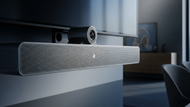
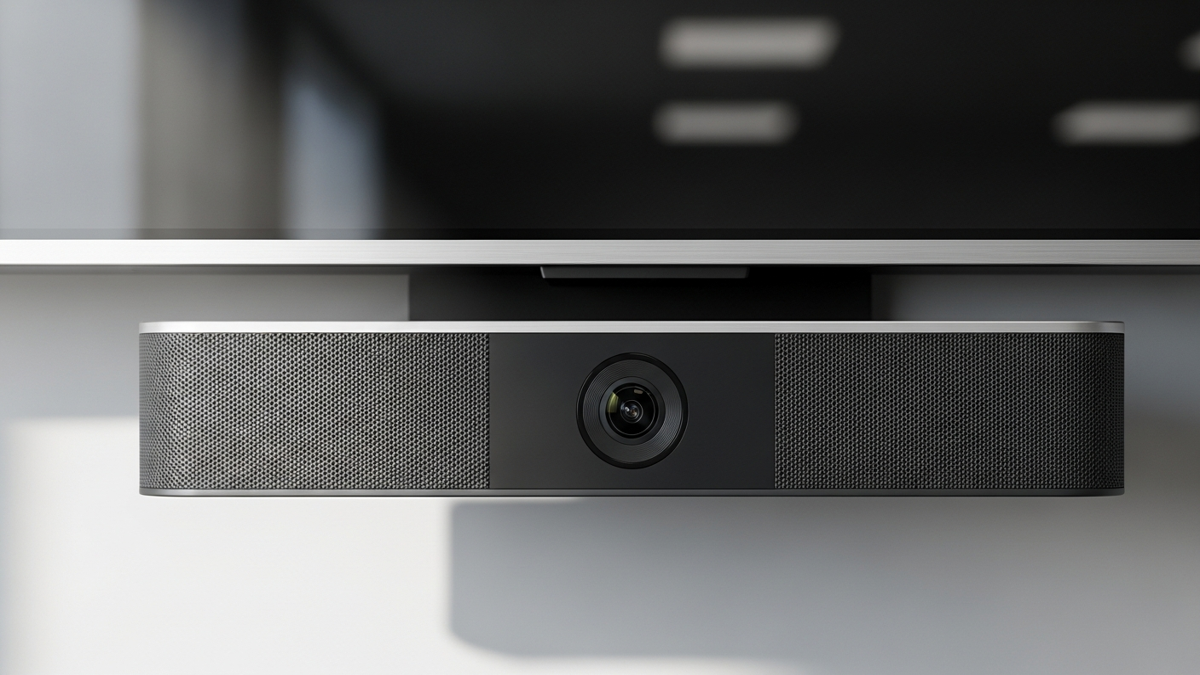
Poly Studio X video bars are radically simple, professional video conferencing solutions.
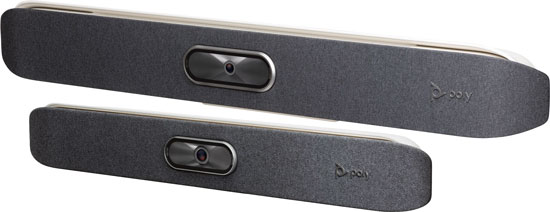
Poly Studio X30
Poly Studio X30 is designed for the huddle room and home office. It is an all-in-one device that combines a 4K UHD camera with HD microphone and speakers, with a 15-ft microphone pickup range.
Framing and audio: X30 offers enhanced automatic framing and speaker tracking for a natural conferencing experience. It delivers the signature Poly audio with advanced noise cancellation, including the brand new NoiseBlockAI technology.
Poly Studio X50
Poly Studio X50 is designed for small to medium conference rooms. It uses a 4K UHD camera with HD stereo speakers and beamforming microphones with a 25-ft pickup range.
Audio and displays: X50 provides the signature Poly sound with Acoustic Fence and NoiseBlockAI, supports next-generation automatic framing and speaker tracking, and supports dual displays.
| Video Bar | Room Size | Mic Pickup | Notable Features |
|---|---|---|---|
| Studio X30 | Huddle room / home office | 15 ft | 4K UHD camera, NoiseBlockAI, auto framing & speaker tracking |
| Studio X50 | Small to medium rooms | 25 ft | 4K UHD camera, Acoustic Fence, NoiseBlockAI, dual displays |
How Do You Control Studio X in Teams Meetings?
When using Studio X with Microsoft Teams, you have a few options for controlling the meeting.
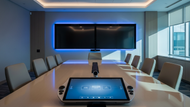
Poly TC8 is a dedicated 8” touch control with integrated stand. It displays the familiar Teams interface, which gives you a seamless experience and reduces learning time.
Your own touchscreen monitor can also work. However, we recommend that you double-check compatibility before purchase — because of the incredibly vast range of options, we are unable to list compatibility here.
The Poly Bluetooth remote control gives you wireless control without needing line-of-sight.
A Poly Trio conference phone can also control the Studio X series — this is currently a sandbox feature. More than that, you can now pair a Poly Trio conference phone with Microsoft Teams Rooms: Trio offers 360° audio pickup with crystal-clear audio quality, so for Teams video conferencing in medium to large conference rooms, you can combine the power of Trio and Studio X.
Frequently Asked Questions
Which Poly Studio X models are certified for Microsoft Teams?
Poly Studio X30 and Studio X50, as of the Studio X Software 3.1.1 release. The Poly video conferencing lineup includes many other Microsoft certified solutions as well.
How do you update a Studio X running Microsoft Teams?
Once certified firmware is installed, you can update the devices using the Microsoft Teams admin center. The 3.1.1 software itself is available from Poly Support.
Do you need a separate touch controller?
The Poly TC8 is the dedicated option, but you can also use a compatible touchscreen monitor, the Poly Bluetooth remote, or (as a sandbox feature) a Poly Trio conference phone.
What does Poly Zero Touch Onboarding do?
Registering your Studio X with Poly Zero Touch Onboarding lets the bar place and connect to Microsoft Teams Rooms calls as soon as it powers on.
Updated July 2026